Google search question · “image question solver AI”
How an AI image question solver reads a problem
Understand the recognition, context, reasoning, and verification stages behind an AI image question solver, plus the image problems that cause mistakes.
Updated by the Bright AI content team · · Content standards and corrections
Short answer
An image question solver first extracts the visible text and structure, then uses that recognized problem as context for an explanation. The safest workflow keeps recognition and reasoning separate so you can catch a scan error before it changes the answer.
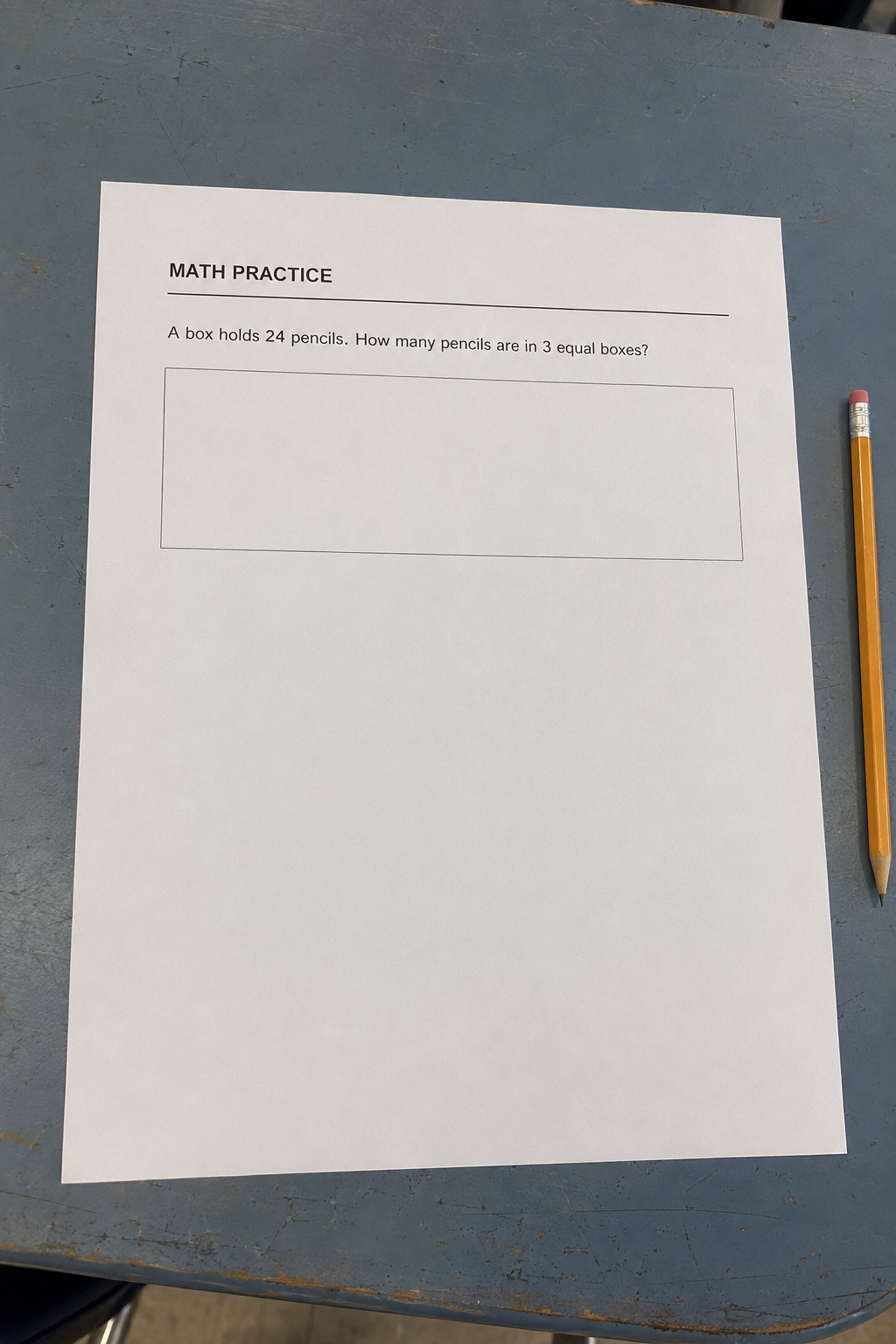
Stage 1: recognize text and layout
A question is more than a line of text. The solver may need to connect a caption with a graph, match choices to labels, or preserve the numerator and denominator of a fraction.
Curved pages, glare, handwriting over print, and low contrast can change this layout before reasoning begins.
Stage 2: identify the task
The same numbers can require different work depending on whether the instruction says estimate, simplify, prove, or choose the best statement.
A good result restates the task and separates the supplied information from assumptions. If it invents a missing value, the image should be rescanned.
Stage 3: reason and verify
The explanation should connect every important step to the recognized prompt. In mathematics, check operations and units; in multiple choice, check why the chosen option fits better than the alternatives.
Use a second method, substitution, estimation, or a reference example when the answer affects graded work.
Before you upload
- Page is flat and evenly lit
- Small symbols are sharp
- Text and diagrams remain connected
- The requested task is restated
- Reasoning uses only visible facts
Common mistakes
- •Treating OCR and reasoning as one invisible step
- •Ignoring a missing instruction word
- •Cropping the legend from a chart
- •Assuming confident wording proves correct recognition
Questions people also ask
Is an image question solver just OCR?
No. OCR recognizes text, while a solver also interprets the task and generates reasoning. OCR errors can still affect every later step.
Can it read diagrams and graphs?
It may use visible labels and structure, but complex or low-resolution diagrams are harder. Include the complete diagram and verify every recognized label.
Why does layout matter?
Layout indicates which caption, choice, formula, or graph belongs to the question. Cropping can disconnect information that is logically related.
Ready to try it with your own page?
Open the matching Bright AI capability, keep the source image, and check recognition before using the result.
View the toolRelated guides
take a picture of a question and get the answer
How to take a picture of a question and get a useful answer
Read guidephoto question solver AI free
What to check before using a free AI photo question solver
Read guideAI answer picture upload