Keep the source image
The original homework photo remains available with the result so the recognized question can be compared with the page.
AI homework grader and homework helper
Bright AI checks a clear homework photo, separates recognized questions, compares student work with the expected answer, and presents question-by-question feedback.
Photo grading and teacher review are separate flows, so you can start with the task you actually need.
Product sample — no sign-in required
Illustrative data · Actual output depends on the available records and review
Recognized homework
1. 24 × 3 = 62
2. 48 ÷ 6 = 8
3. 125 + 75 = 200
Question-by-question feedback
1. Review
24 × 3 = 72. Recheck the tens digit: 3 × 2 tens = 6 tens.
2–3. Correct
De-identified illustrative example
De-identified homework excerpt
48 ÷ 6 = 8
24 × 3 = 62
Illustrative output
Question 1 matches the expected answer
Question 2 needs a teacher to review the tens digit
No student name is included; a teacher reviews the result before it becomes a diagnosis.
An AI homework grader reads homework from an image and helps check answers question by question. Bright AI combines image recognition with deterministic arithmetic verification where possible, so a basic calculation is checked by code instead of relying only on generated commentary.
The original homework photo remains available with the result so the recognized question can be compared with the page.
Recognized questions, student answers, expected answers, and feedback are presented separately.
Questions marked wrong can be kept with their subject and error context for later review.
Include the complete question and student answer, keep the page flat, and avoid glare or cropped options.
Check that the question text and student answer match the source image before relying on the result.
Review incorrect answers, follow the explanation, and save useful mistakes for later practice.
From grading to personalized teaching
AI checks the student's work, the teacher confirms the real mistake, and Aixue creates focused practice for the underlying skill gap.
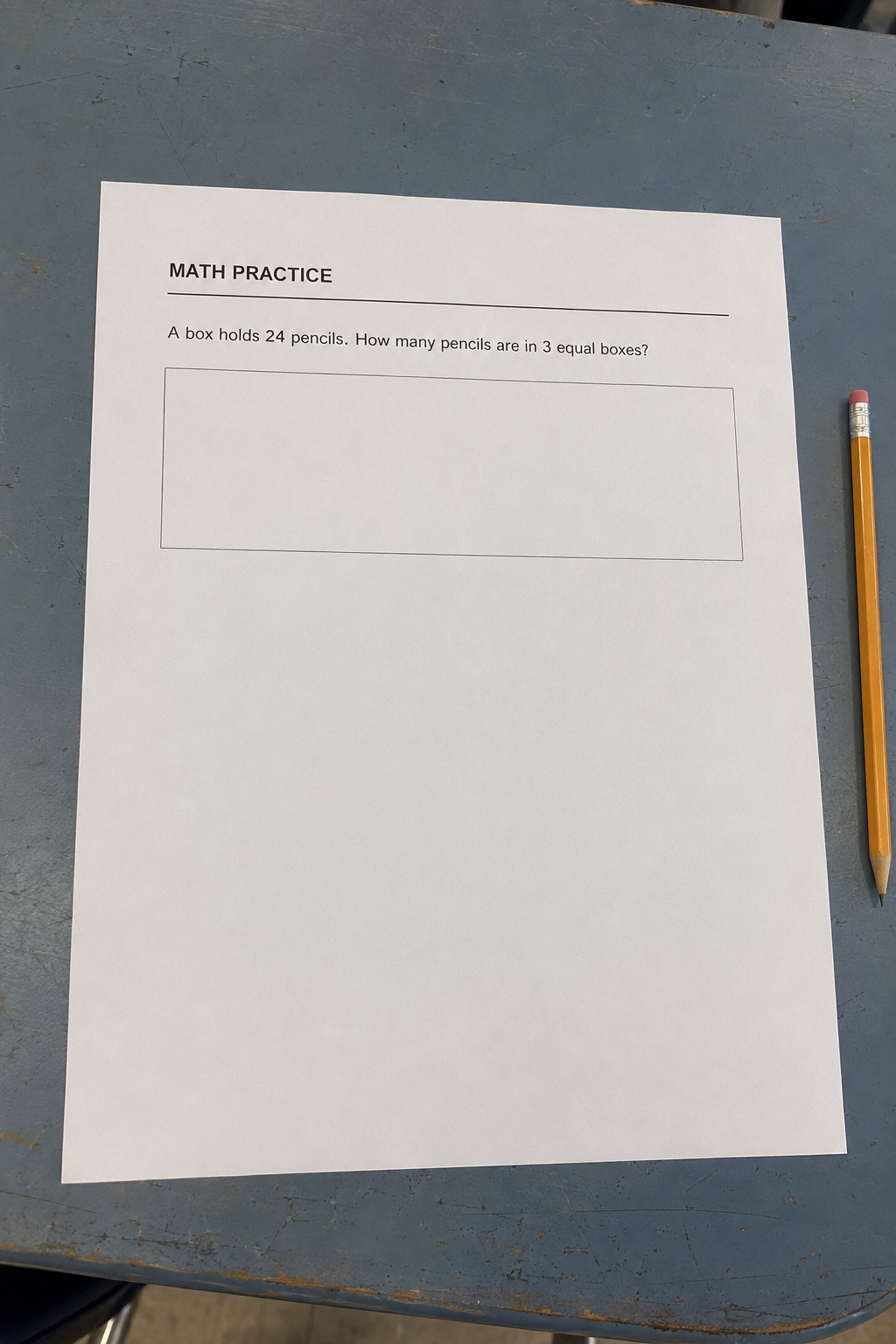
The original photo stays available for teacher review
A box holds 24 pencils. How many pencils are in 3 equal boxes?
Problem, quantities, and student work recognized
The multiplication setup is right, but the tens calculation is incorrect.
Teachers can edit the questions, difficulty, and recipients before assigning.
Do not rely on a red cross or green check alone. Compare these four parts with the source photo before saving a question as a mistake.
Compare:Check the full prompt, choices, units, and item number against the photo.
If it differs:Retake cropped content or photograph a complex page in smaller sections.
Compare:Check digits, symbols, fraction bars, signs, and units against the handwriting.
If it differs:Use the source photo and recognize it again; do not record a recognition error as a student mistake.
Compare:Recalculate basic arithmetic and check the conditions or rubric for diagrams and open responses.
If it differs:Confirm with a teacher, textbook answer, or independent calculation.
Compare:When the recognized student answer matches the verified expected answer, it should be marked correct.
If it differs:Keep the photo, submit it again, and use teacher review for important work.
FAQ
Yes. Upload or take a clear photo that includes the complete questions and student answers, then review the recognized items and question-by-question feedback.
For supported arithmetic expressions, Bright AI verifies the calculation with deterministic code and can correct an inconsistent generated judgment.
Check whether digits, signs, units, fractions, and the item number were recognized correctly. If the recognized answers truly match, retake the photo or use teacher review instead of saving it as a mistake.
No. Recognition depends on image quality and question format. Complex diagrams, incomplete multiple-choice options, and unclear handwriting may require another photo or manual review.