Class Management
Create classes, invite students and keep each class's curriculum in one place.
Explore class management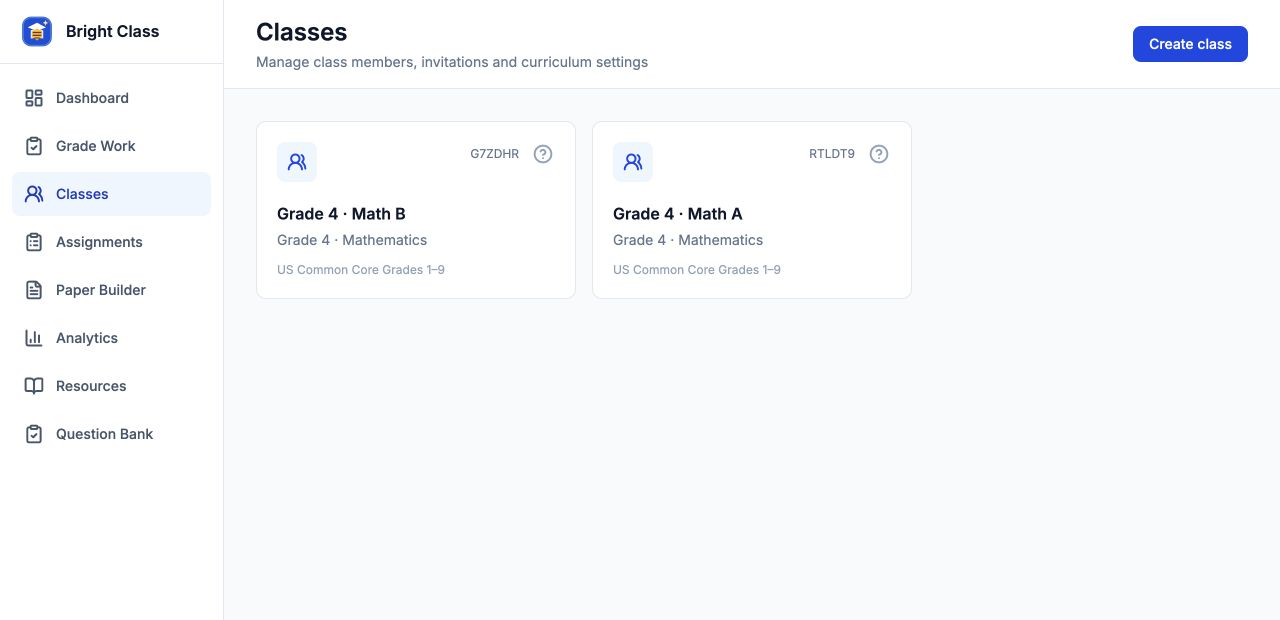
YOUR AI TEACHING WORKSPACE
A workspace for teachers to create practice, assign it to a class and follow student progress—with you in control of what gets published.
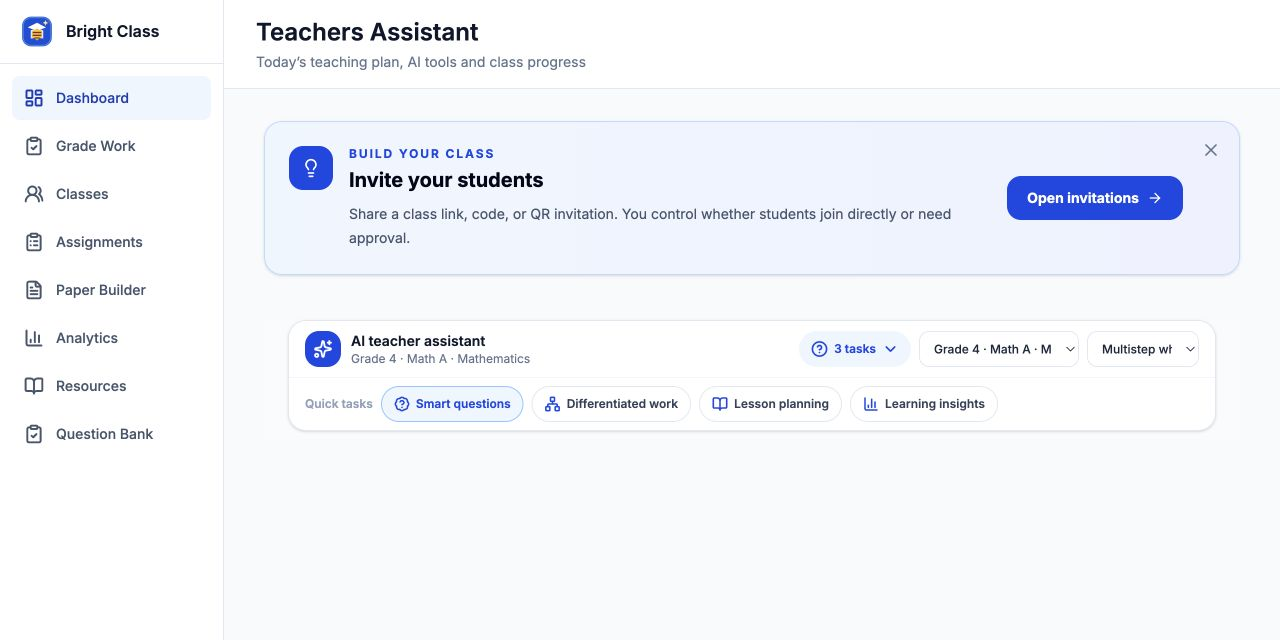
How it works
Set the grade, subject and curriculum. Invite students with a class code.
Generate practice, review the questions, then publish an assignment to your class.
See submitted work, review answers and decide what to teach next.
Features
Create classes, invite students and keep each class's curriculum in one place.
Explore class managementPrepare drafts, publish to a class and follow submissions through review and completion.
Explore assignments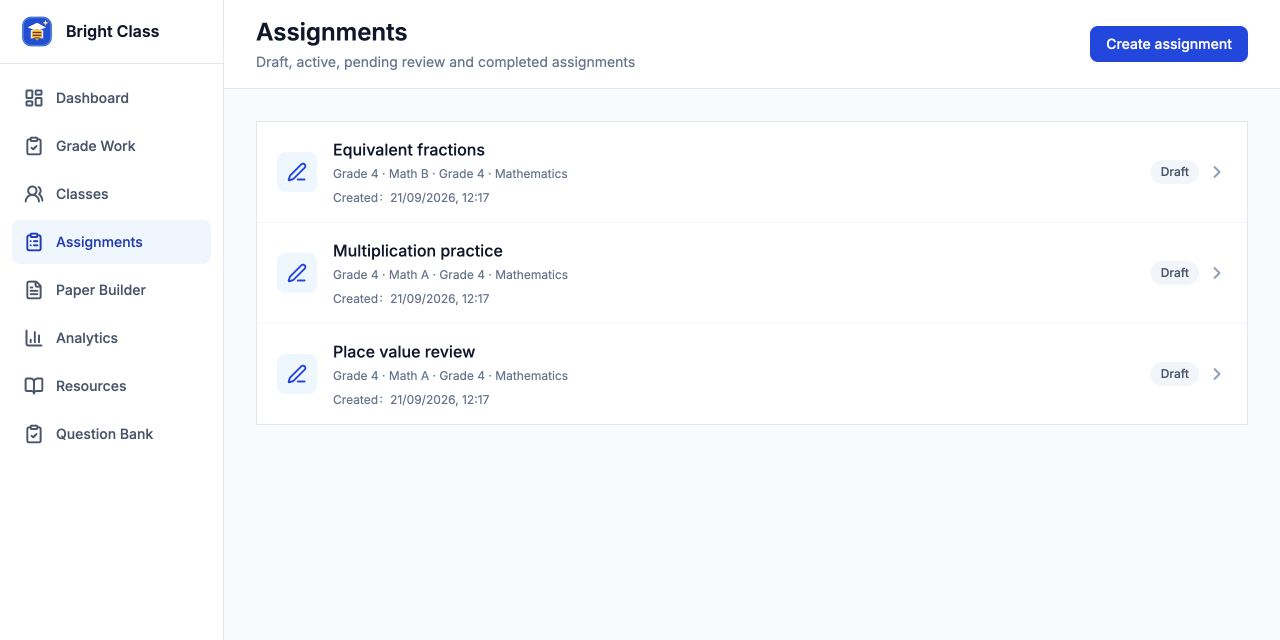
Create practice for a learning goal, with answers and explanations for your review.
Explore AI practice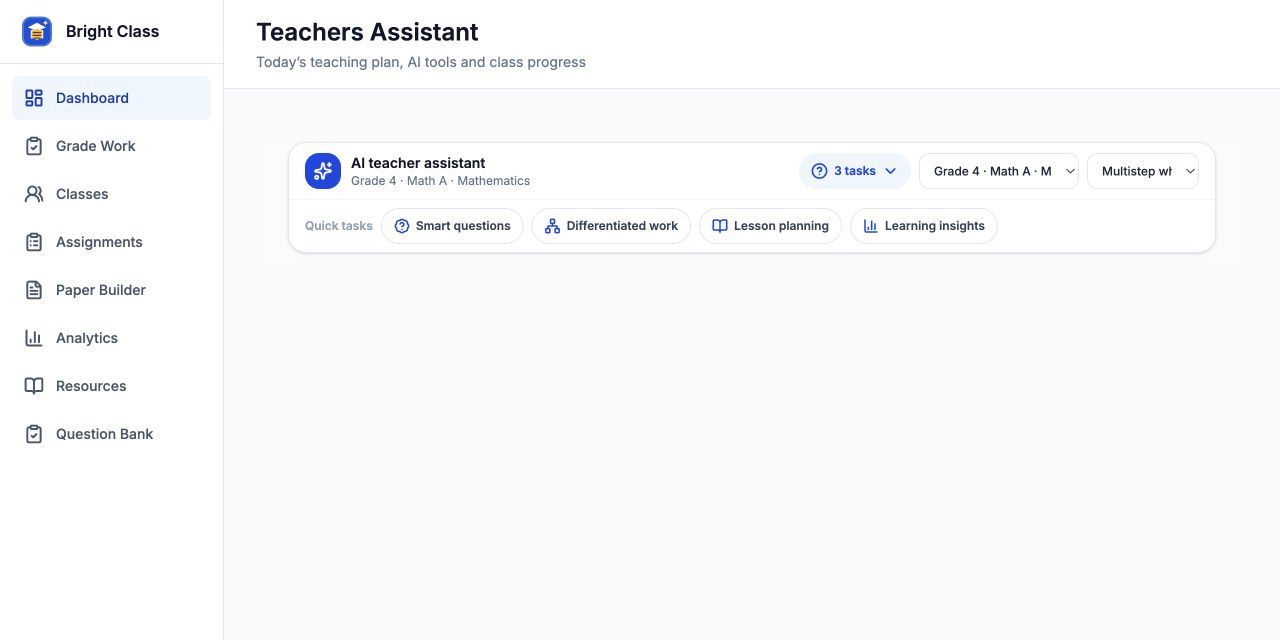
FAQ
Teachers who want to create practice, manage class assignments and review student work. Choose the grade, subject and available curriculum that match your class.
No. You can use the teacher workspace in your web browser. Sign in to save your classes and work.
Yes. You can create multiple classes and keep their members, curriculum settings and assignments separate.
No. Generated questions and explanations are drafts for you to review. You choose when to publish an assignment to students.
You can begin a practice draft first. Create or select a class when you want to publish it as an assignment.
Review AI-generated questions, answers and feedback before using or publishing them. Remove student names and other identifying details from uploaded images.
Privacy detailsStart with the task you need today. Build your classroom workflow from there.
Get Started